How to Decode Morse Code From Audio
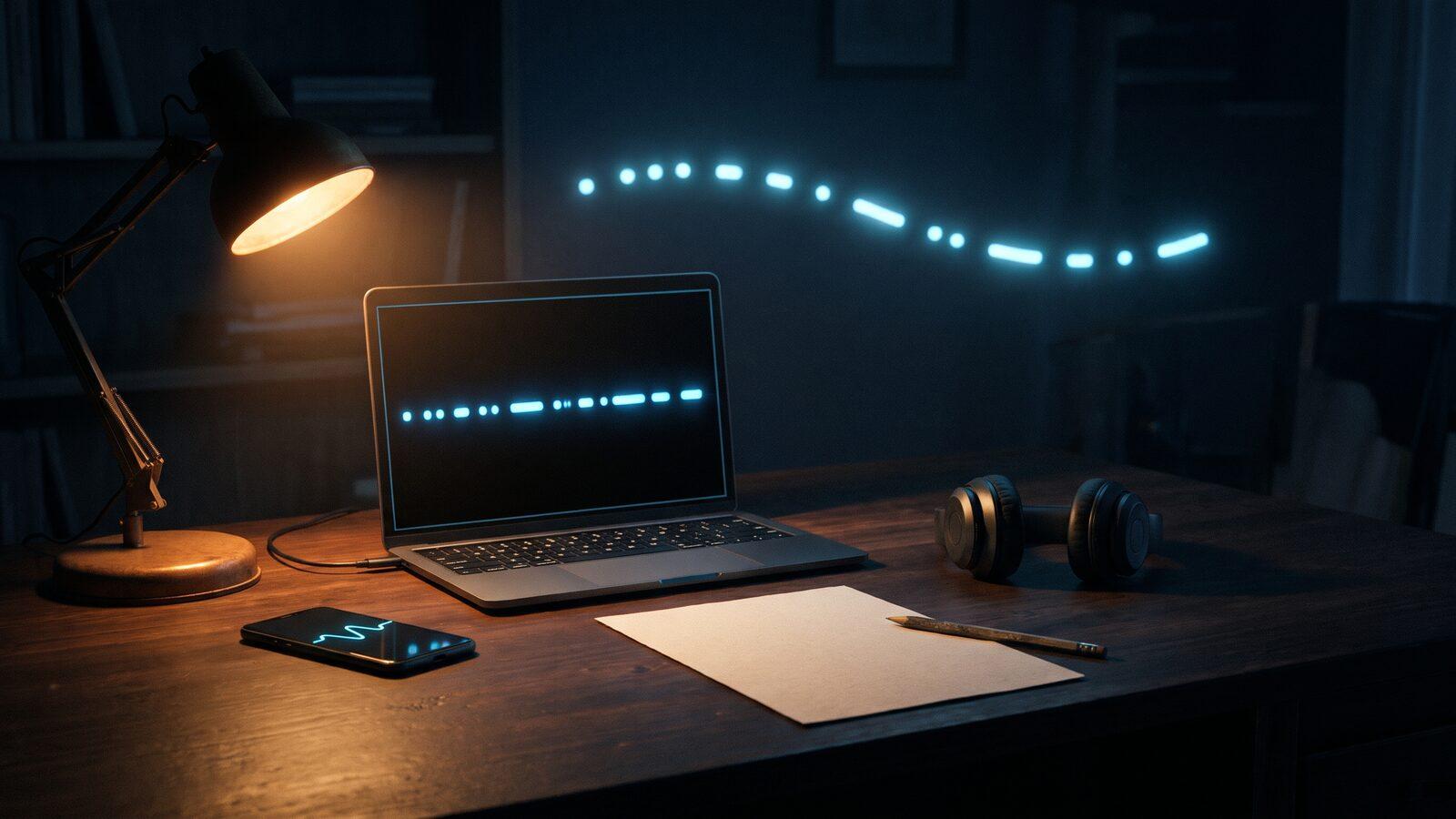
You have a recording with beeps in it: a clip from a video, a sound in a game or puzzle, a voicemail, a file a friend sent. You want the text. There are three ways to get it, and they suit different recordings: listen and write it down, read the pattern off the waveform, or let an automatic decoder listen for you. This guide walks through all three and shows where each one fails.
The translator on our home page turns typed dots and dashes into text, so the first two methods end there. It does not listen to audio. For hearing a recording, the Cadenza app has a decoder, described below.
What any method needs to know
International Morse code is built from one time unit. The ITU recommendation M.1677 sets the proportions: a dash is three dots long, the gap inside a character is one dot, the gap between characters is three dots, and the gap between words is seven.
| Element | Length in units |
|---|---|
| Dot (dit) | 1 |
| Dash (dah) | 3 |
| Gap inside a character | 1 |
| Gap between characters | 3 |
| Gap between words | 7 |
So decoding is mostly sorting: short marks from long marks, and short gaps from long gaps. If you can tell those apart, the alphabet chart does the rest.
Method 1: slow it down and write it by ear
- Play the clip at a lower speed. Many media players offer 0.5x or 0.75x playback; use one that keeps the pitch, so the tone still sounds like a tone.
- On paper, write
.for each short beep and-for each long one. Put a space when the pause is clearly longer than the gaps inside a letter, and a slash/for the longest pauses between words. - Replay sections you are unsure of. Write
?for a mark you cannot classify instead of guessing. - Type the result into the translator, using your best guess in place of each
?and trying the alternatives if a word does not make sense. A string like.... . .-.. .-.. ---comes back as HELLO.
This works well for short clips at moderate speed. It gets hard once characters blur together, which happens to most beginners somewhere around 15 to 20 words per minute.
Method 2: read it from the waveform
A free audio editor such as Audacity shows the recording as a waveform, and in spectrogram view a Morse tone appears as a bright horizontal band broken into marks. You can measure the marks instead of judging them by ear.
- Zoom in until single beeps are clearly separated.
- Select the shortest mark and read its length. That is one unit.
- Classify every mark and gap against that unit: about 1 or about 3 for marks, about 1, 3 or 7 for gaps.
- Write the dots, dashes and spaces, then translate.
The unit also tells you the speed. The standard word PARIS is 50 units long, so at W words per minute one unit lasts 60 ÷ (50 × W) seconds, which is 1200 ÷ W milliseconds. Turned around: speed in WPM ≈ 1200 ÷ dot length in ms.
Worked example. The shortest marks in a clip measure about 60 ms, the long ones about 180 ms. Gaps come in three sizes: about 60, 180 and 420 ms. That is 1, 3 and 7 units of 60 ms, so the sending is clean International Morse at 1200 ÷ 60 = 20 WPM. If the gaps between characters are much longer than three units while the characters themselves are fast, the clip uses Farnsworth spacing; the long gaps still mark character boundaries.
This method is slow, but it is the most reliable way to decode a noisy or unusual clip, because you can see each mark even when you cannot hear it cleanly.
Method 3: an automatic decoder
Automatic decoders measure the marks for you. Cadenza's Listen tool works through your phone's microphone: play the recording near the phone, and it looks for a steady tone between 400 and 1000 Hz, locks on to it, shows the frequency and an estimated speed, and prints the text as it goes. The audio is processed on the device, and nothing is recorded or sent anywhere.
Any automatic decoder depends on a clean signal, and Cadenza's is no exception. It works best with a clear tone from another phone, a practice oscillator or a strong signal. These are the usual reasons for garbage output:
| Problem | What you see | What to try |
|---|---|---|
| Background noise or music | Random letters, or no lock | Play the clip louder and closer, in a quiet room |
| Two signals at once | Text mixing two messages | Cut the clip to one signal first, or decode by hand |
| Uneven hand sending | Dots read as dashes or words split | Measure the marks by hand (method 2) |
| Tone outside 400 to 1000 Hz | No lock | Decode by ear or from the waveform |
| Very short clip | Only part decoded | Loop the clip so the decoder can settle |
When the output looks wrong, trust the waveform over the decoder.
When you want to read it yourself
Decoders and editors are good for a single clip. If you keep running into Morse, learning to copy it by ear is faster in the end. Our page on learning Morse by ear shows the Koch method, and copying callsigns is a good next exercise.
FAQ
Can this website decode an audio file?
No. The translator here converts typed dots and dashes. Write the pattern down first, or use the decoder in the Cadenza app.
How do I know the speed of a recording?
Measure the shortest mark in milliseconds and divide 1200 by it. A 60 ms dot is about 20 WPM.